





AULA F99 Wireless Mechanical Keyboard,Tri-Mode BT5.0/2.4GHz/USB-C Hot Swappable Custom Keyboard
In stock
| Color |
Blue&White ,Blue&White&Black ,Blue&Purple&White ,Black&Grey&White |
|---|---|
| Compatible Devices |
Gaming Console, Laptop, PC, Smartphone, Tablet |
| Additional Features |
Backlit, Hot-Swappable, Integrated Stand, Programmable Keys, Rechargeable |
| Number of Keys |
99 |
| Number of Batteries Required |
1 |
| Power Source |
Battery Powered |
| Switch Type |
Linear |
| Hand Orientation |
Ambidextrous |
| Button Quantity |
99 |
| Water Resistance Level |
Water Repellent |
| Is Electric |
No |
| Number of Sections |
99 |
| Total USB 2.0 Ports |
1 |
| Style Name |
Contemporary |
| Antenna Location |
Business, Education, Everyday Use, Gaming, Multimedia, Personal, Photo Editing, Programming, Student, Video Editing |
| Built-In Media |
Extra 2 Grey Pre-lubed Linear Switches, Keycap Puller, USB Cable, User Manual |
| Model Number |
Grey+White – Graywood Switch |
| Model Name |
F99 |
| Generation |
1st Generation |
| Item Weight |
1500 Grams |
| Unit Count |
1.0 Count |
| Warranty Description |
6 Months |
| Best Sellers Rank |
#117 in Video Games (See Top 100 in Video Games) #5 in PC Gaming Keyboards |
| ASIN |
B0CLLHSWRL |
| Item Dimensions L x W x H |
15.35"L x 5.75"W x 1.65"H |
| Enclosure Material |
Plastic |
| Theme |
Hot Swappable, Rainbow |
| Style |
Contemporary |
| Material |
Plastic |
| Brand |
AULA |
| Manufacturer |
AULA |
| Keyboard Description |
Mechanical |
| Connectivity Technology |
2.4GHz, BT5.0, USB-C |
| Keyboard layout |
QWERTY |
| Keyboard backlighting color support |
RGB |
| Feature |
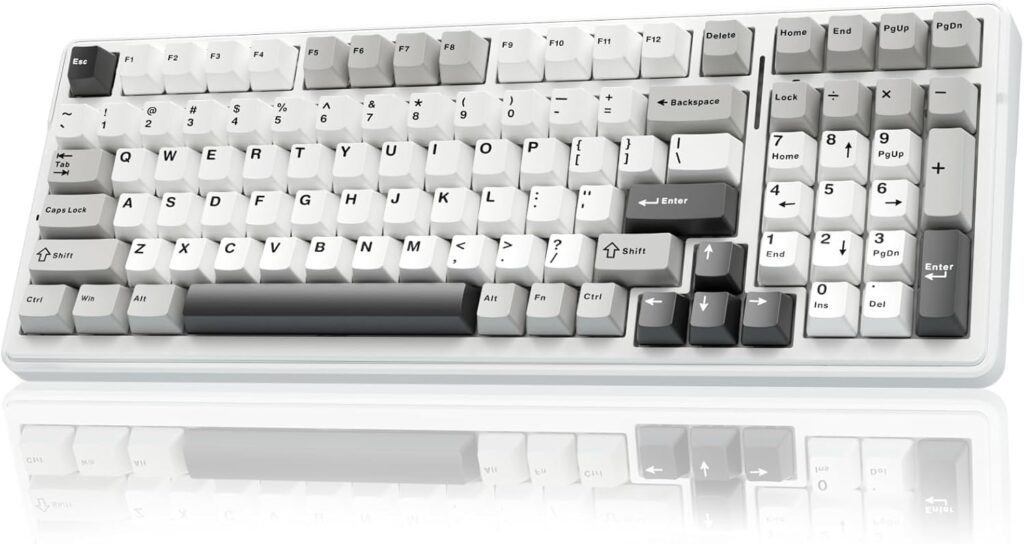
PBT Keycaps and 8000mAh Battery: 99 keys 96% layout compact keyboard can save more desktop space while keep necessary arrow keys and number area for games and work. The rechargeable keyboard built-in 8000mAh large capcacity battery to provide more power and longer battery life. Double shot PBT keycaps, made from two colors material molded into each others, make the keycaps characters maintain the vibrance and saturation, clear and not fade |
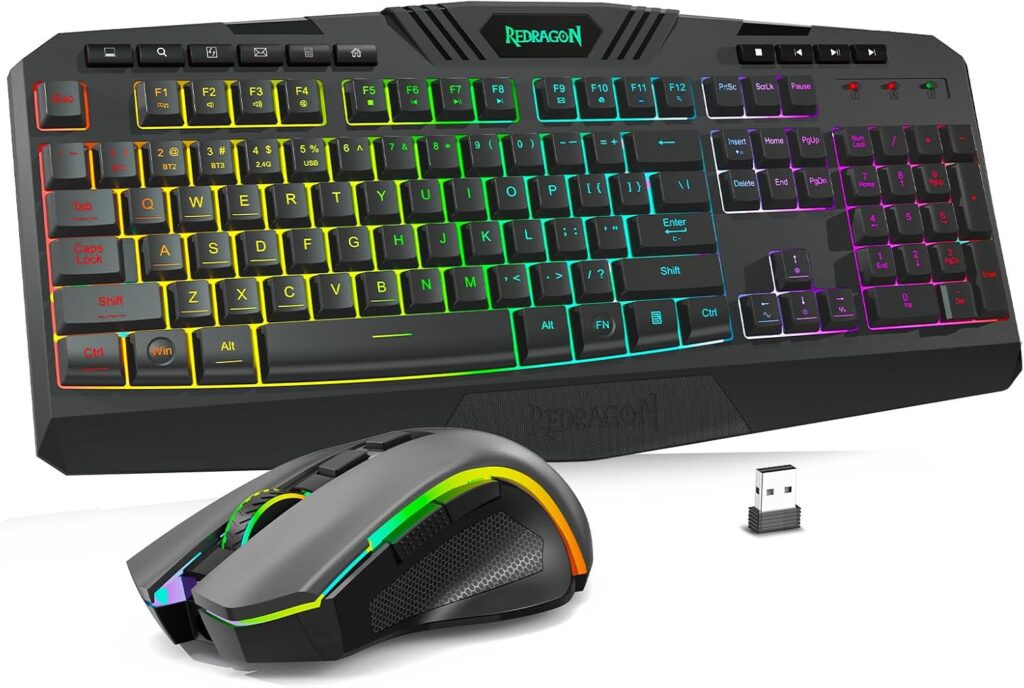
Redragon S101M-KS Gaming Keyboard and Mouse Wireless with Tri-Mode
In stock
| Color |
Black-New ,Black ,White |
|---|---|
| Connectivity Technology |
2.4G, Bluetooth, Wired |
| Other Special Features of the Product |
Backlit, Ergonomic |
| Compatible Devices |
Laptop, Personal Computer |
| Keyboard Backlighting Color Support |
RGB |
| Operating System |
Windows |
| Are Batteries Required |
Yes |
| Number of Keys |
104 |
| Power Source |
Battery Powered |
| Keyboard Layout |
QWERTY |
| Number of Batteries |
1 12V batteries required. (included) |
| Brand |
Redragon |
| Keyboard Description |
Gaming |
| Antenna Location |
Gaming |
| Manufacturer |
Redragon |
| Warranty Description |
2 |
| Best Sellers Rank |
#98 in Video Games (See Top 100 in Video Games) #3 in PC Gaming Keyboards |
| ASIN |
B0DXTV9BGJ |
| Item Weight |
1.19 Kilograms |
| Feature |
【Amazing Gaming Keyboard and Mouse】Plug and Play, Tri-modes Gaming Keyboard and Mouse is widely compatible with Windows, PC, laptop, computer, etc. Redragon provides every customer a 36-month warranty, 7*24Hrs Technology Support Team (Software download address: redragon.com) |
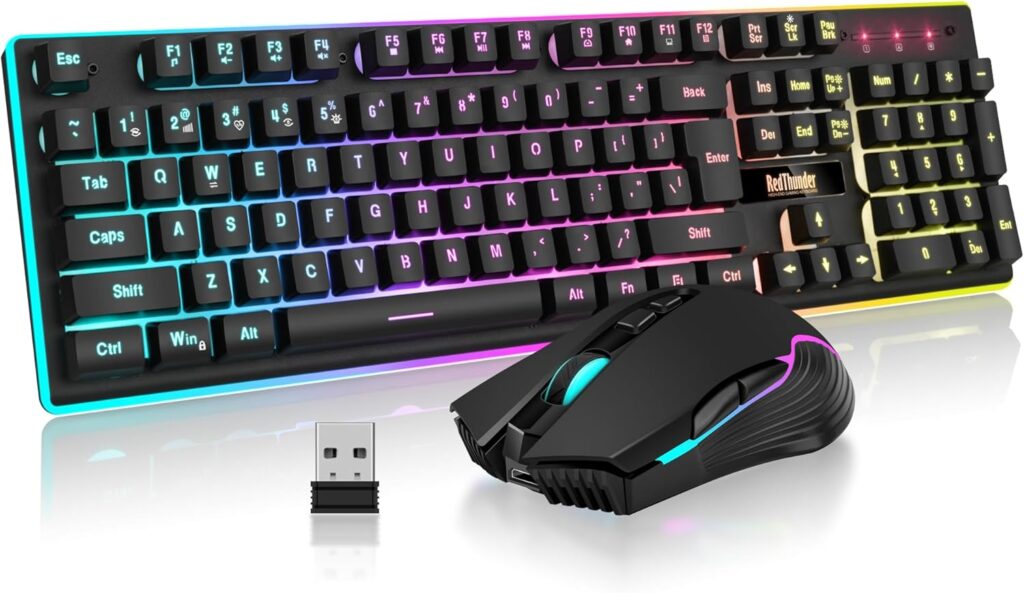
RedThunder K10 Wireless Gaming Keyboard and Mouse Combo
In stock
| Color |
Black ,White-Gray RGB ,Black Pudding ,White Pudding ,Pink ,Black RGB ,White |
|---|---|
| Connectivity Technology |
2.4G Wireless |
| Other Special Features of the Product |
Ergonomic, Rechargeable |
| Compatible Devices |
Gaming Console, Personal Computer |
| Movement Detection |
Optical |
| Operating System |
Windows 10, Windows 2000, Windows 7, Windows 8, Windows XP |
| Hand Orientation |
Ambidextrous |
| Are Batteries Required |
No |
| Number of Keys |
104 |
| Power Source |
Battery Powered |
| Keyboard Layout |
QWERTY |
| Number of Batteries |
1 AA batteries required. (included) |
| Item Weight |
950 Grams |
| Brand |
RedThunder |
| Keyboard Description |
Membrane |
| Antenna Location |
Student |
| Manufacturer |
RedThunder |
| Built-In Media |
Keyboard, Mouse |
| Unit Count |
1 Count |
| Warranty Description |
1 Year |
| Best Sellers Rank |
#157 in Video Games (See Top 100 in Video Games) #6 in PC Gaming Keyboards |
| ASIN |
B09BR46F63 |
| Customer Reviews |
4.0 4.0 out of 5 stars (7,917) var dpAcrHasRegisteredArcLinkClickAction; 0) + 1); P.when('A', 'cf').execute(function(A) { 0) + 1); 4.0 out of 5 stars |
| Feature |
【Wide Compatibility】Windows 11, Windows 10, Windows 8, Windows 7, Windows Vista, or Windows XP, Limited Mac OS keyboard support. Works well with all major computer brands and Gaming PCs (If your device does not have a USB port, please add a USB adapter connection). |
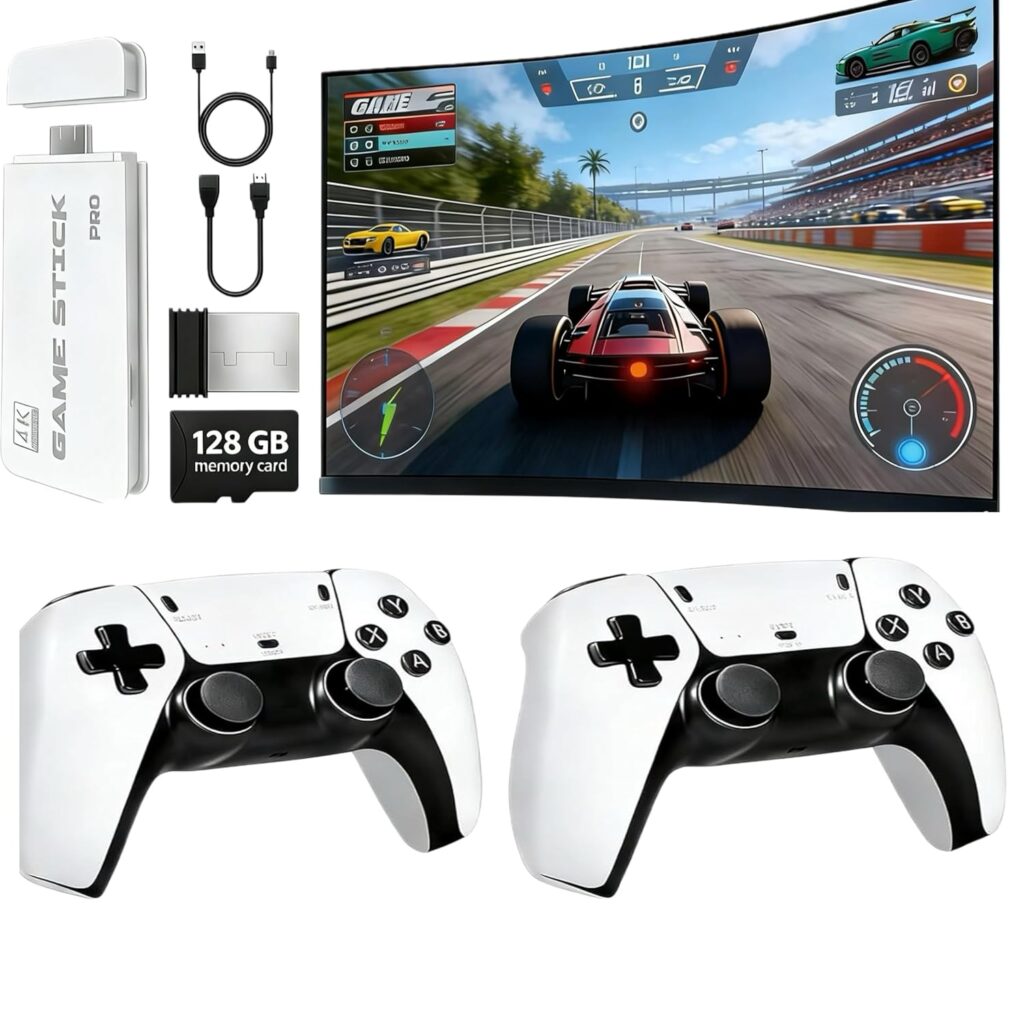
Retro Wireless Gaming Console 2026 New Edition Built-in 128GB storage Features 23 emulators supporting 20,000+ games Includes dual 2.4GHz wireless controllers 4K HDMI TV gaming stick—plug and play
In stock
| Platform |
PlayStation Vita |
|---|---|
| Input Device |
Gamepad |
| Connectivity Technology |
HDMI |
| Memory Storage Capacity |
128 GB |
| Wireless Communication Technology |
2.4GHz wireless |
| Resolution |
4K |
| Color |
White |
| Brand Name |
QHZ |
| Model Name |
Retro Wireless Gaming Console |
| Manufacturer |
QHZ |
| UPC |
751753657637 |
| Item Weight |
12.64 ounces |
| Best Sellers Rank |
#5,224 in Video Games (See Top 100 in Video Games) #3 in PlayStation Vita Consoles |
| ASIN |
B0G4W42CRF |
| Feature |
Durable & Compatible with Most TVs Crafted from high-quality materials for long-lasting use, this HDMI TV game console works with most TVs featuring an HDMI port. As a plug-and-play retro gaming system, it's perfect for family entertainment, birthday gifts, or holiday gatherings—bringing joy to both kids and adults. |
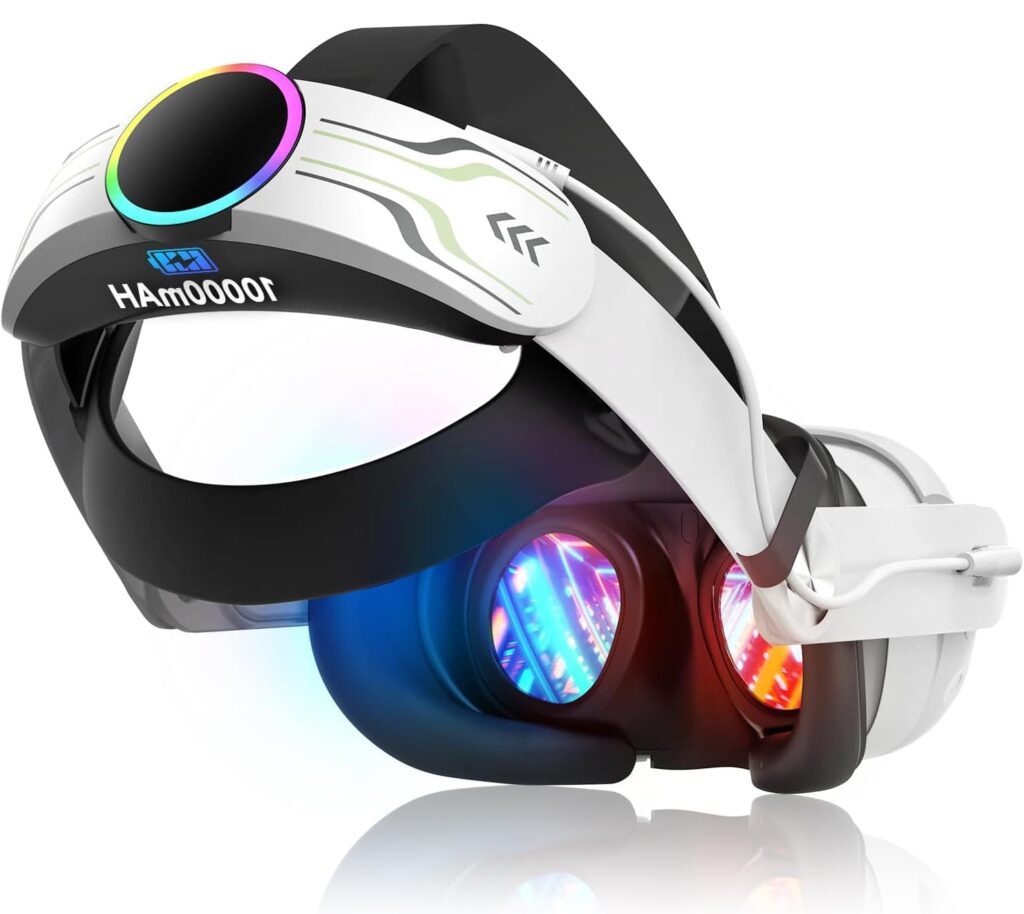
RGB Head Strap for Oculus/Meta Quest 3
In stock
| ASIN |
B0FMK2L3JB |
|---|---|
| Release date |
July 3, 2025 |
| Customer Reviews |
4.5 4.5 out of 5 stars (159) var dpAcrHasRegisteredArcLinkClickAction; 0) + 1); P.when('A', 'cf').execute(function(A) { 0) + 1); 4.5 out of 5 stars |
| Best Sellers Rank |
#1,455 in Video Games (See Top 100 in Video Games) #17 in Standalone Virtual Reality Accessories #34 in GEM Box Microconsole |
| Package Dimensions |
8.58 x 8.27 x 2.6 inches; 1.06 Pounds |
| Type of item |
Video Game |
| Language |
English |
| Item model number |
Strap Quest 2 |
| Item Weight |
1.06 pounds |
| Manufacturer |
ArocoVr |
| Batteries |
1 Lithium Polymer batteries required. (included) |
| Date First Available |
August 16, 2025 |
| Feature |
【Lightweight & Travel-Friendly】 Weighing just 12.7oz, this head strap is lightweight and easy to carry, fitting conveniently into your official VR case or most third-party bags. Take your VR gaming anywhere, whether at home or on the move. |
Wiseguy –
Good keyboard replacement for the older 740 model.
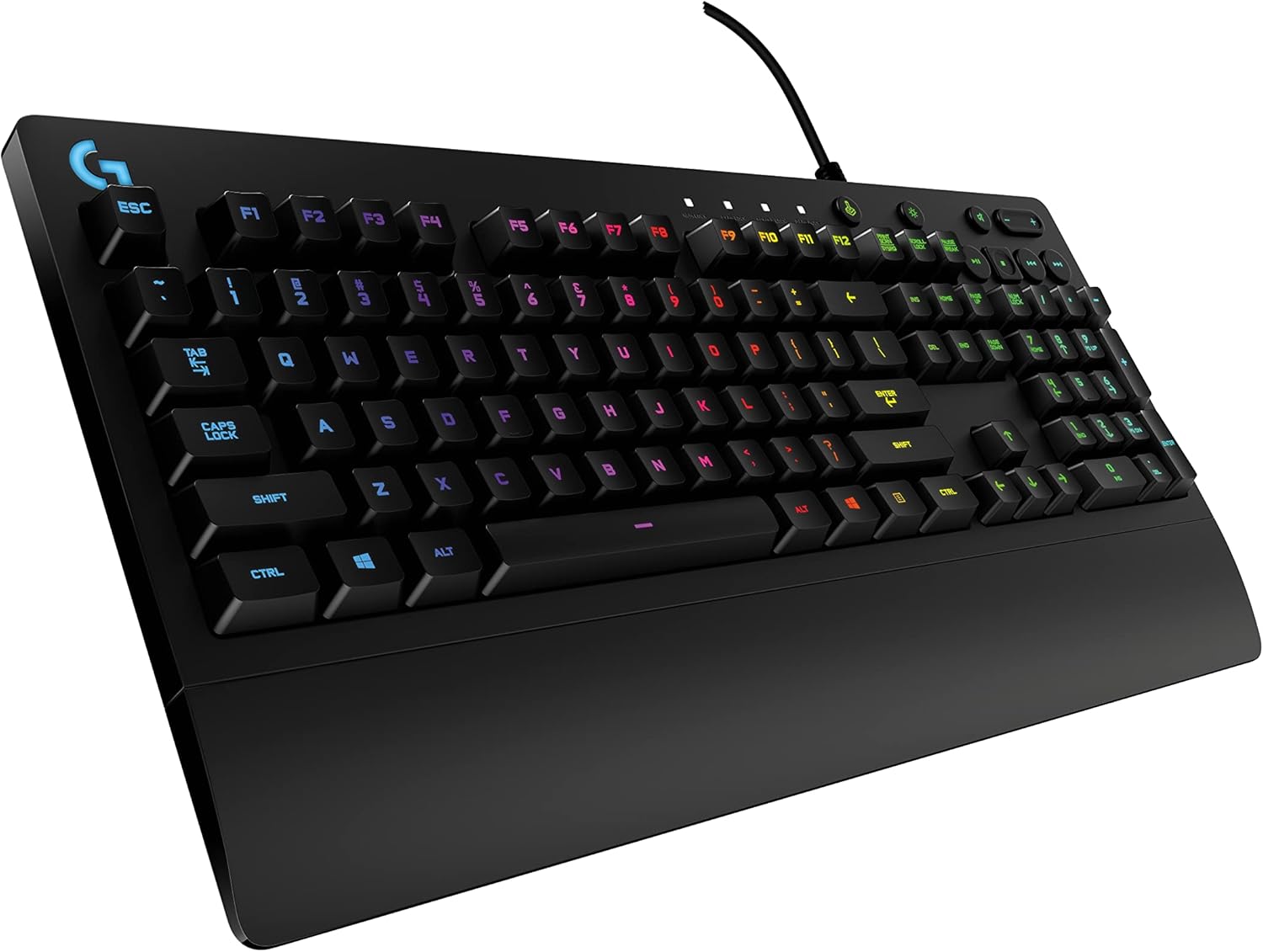
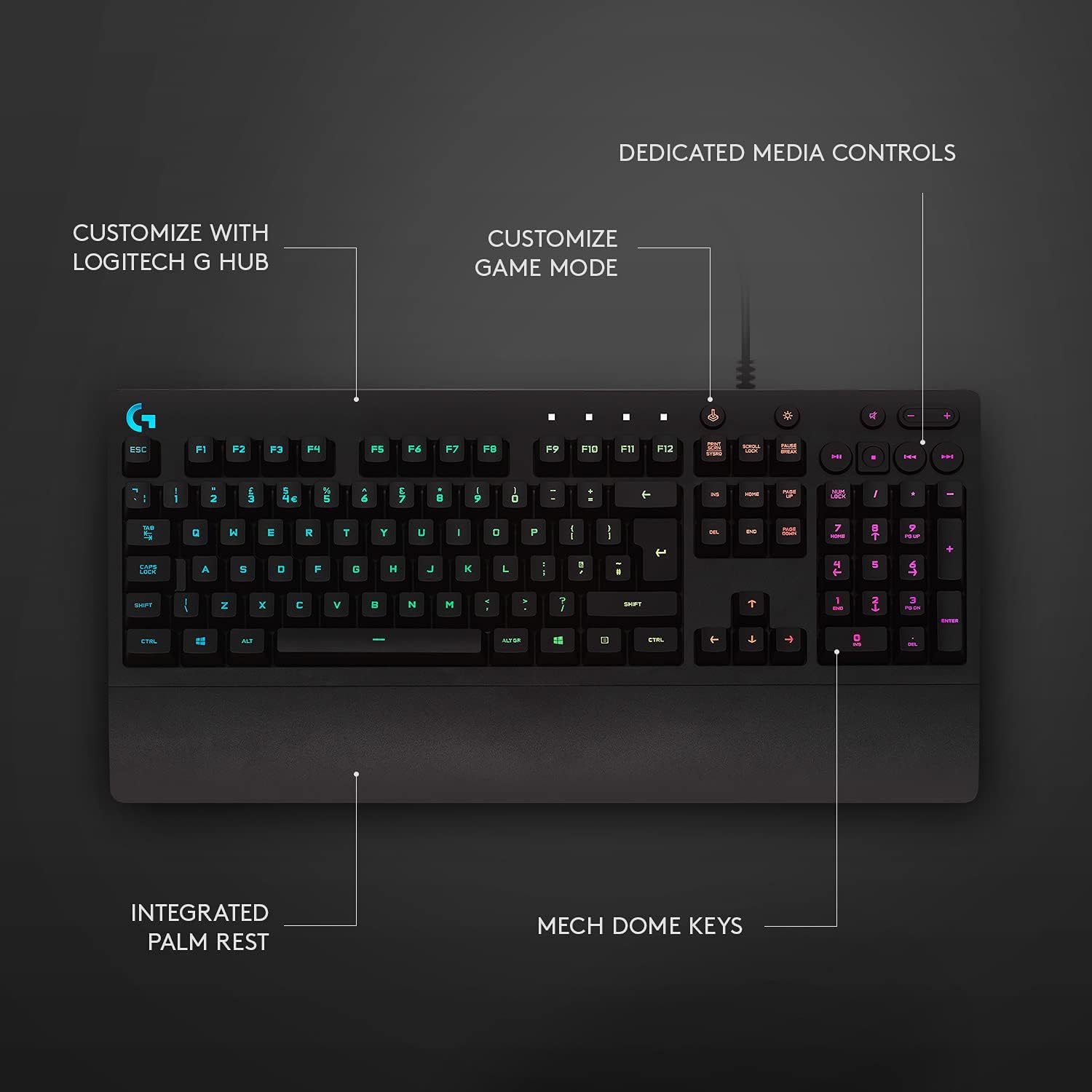
My old keyboard is a Logitech is a backlit K740. I really like this keyboard and I still do. It works great and since it’s wired USB I never have to worry about constant battery replacement. The problem was that after years of use it’s beginning to show its wear. So I came back to Amazon looking for the same model – don’t do that. You’ll find them for $300. Crazy! So, what did I do? I bought this Logitech G213 Prodigy keyboard.I like it. The keys are tactile and easily used. The keyboard will default to a crazy adolescent rainbow color program. This was the only thing that gave me pause but I’m getting up there in age and the eyes aren’t like they used to be and I really needed a backlit keyboard. So, here’s the solution:I’m not sure what you would need to do if you’re on a Windows environment. You’ll need to do your research. However, I’m on Linux Mint and found that two simple commands allowed me to set the keyboard color to white. For you Linux users just open a terminal and install the g810-led app. To set your keys to white, the command is: g810-led -a ffffff. That’s it. If you want to adjust the brightness of the backlight, the option is -b followed by a brightness percentaage. So, if you want to set the backlight to white and the brightness to be not so bright then enter:g810-led -a ffffff -b 50This sets the color to white and the brightness to 50%. Easy. You can also set the function keys to a different color than the rest of the keyboard or any number of other options. Or, you can just let it do its crazy rainbow color shifting psychedelic randomness. Bottom line, once I gained control of the colors and the brightness, the keyboard was absolutely what I needed.The keys do sit a tad higher than the 740. But they feel good. The print is large enough to easily see and not obnoxiously large. For the kids, the keyboard has a game mode that disables some keys so gaming is not interrupted. This is done with the push of one button. It has a 10 key pad on the right plus some nicely positioned keys that control computer sound as well as video controls. The backlight can be toggled on and off with one button. The keyboard looks like it’s constructed well and of Logitech high quality. It’s a handsome board.I will hang on to my 740 though like a well used favorite shirt. It will sit in reserve in the event I need another board. But for this one, the price was right and it fit my needs.
9 people found this helpful
Ken bissell –
Well made.
The G213 is a fantastic keyboard. The look, feel, weight and cost make this a no-brainer.It has beautiful lighting, subtle or vibrant as wanted. To call it a gamers keyboard might dissuade some from it’s perfect use as a classy, mature, or elegant daily use item.Could not be more pleased with the speed of keystrokes with just the right amount of tactile resistance and audible reward.Was considering from among many out there, but this fit the bill perfectly.
Dean H. –
I LOVE IT, but in fairness it did arrive broken.
Great product. Mine did arrive broken (B and R keys did not work). However I was able to take parts from the new one I purchased to fix what was wrong with my old one.
g – raleigh burbsg – raleigh burbs –
great kybd with some flaws = ***
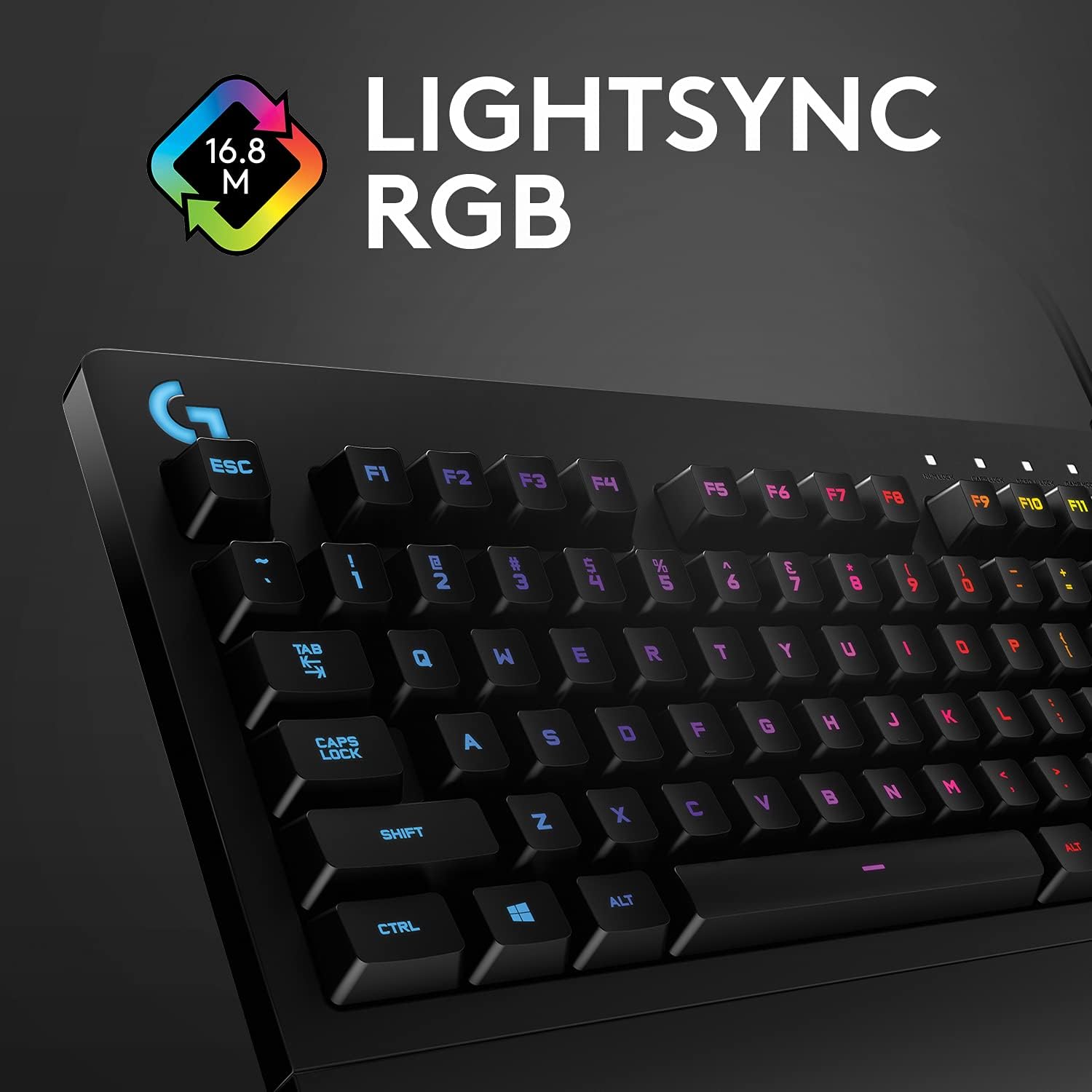
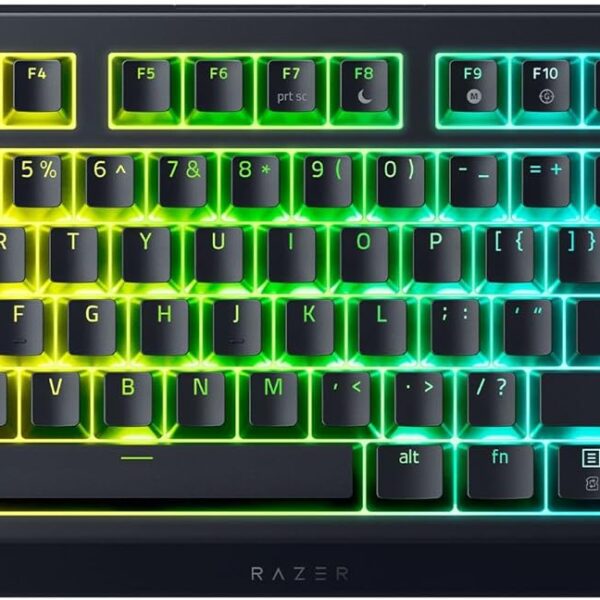
the g213 is by far the best kybd i’ve ever used and i’ve been in the ‘puter industry since the 70’s! most of the reviews attest to the brilliance of its design and feel. i get it. ooh, let me add, a gamer i’m not, k, but the razor cynosa and a red dragon boards i had over the previous 10 months, can’t begin to compare. in fact, the cynosa already started to show some wear on the shift and ctrl keys – poor. also, razor software support is horrific! so back to the g213’s issues and i’m now on my third in less than 6 weeks.problem 1) it will not illuminate during bios boot just prior to the win10 login screen. yes, i’ve tried the light button but when you press that during a boot, it only leads to -problem 2) after a light button press during a boot, the kybd remains dark forever. yes, FOREVER! doesn’t matter if lightsync/g-hub software is running or not, reboot or not. in fact, lightsync is not a real-time app. it simply shows your last configuration. the fix is to unplug and re-plug, then all’s well again.problem 3) the latest release (09 ’21) of lightsync/g-hub has a confusing if not outright difficult user interface. worse, they have not updated their online user guide, so u’ve gotta tough it out on your own. this is especially true if you use “freestyle” which supports zone lighting.problem 4) when viewing the kybd at an angle, there are lighting hotspots that are noticeable through the keys. yes, this is a nit but becomes somewhat annoying after hours of use.. . . and that is why it only gets 3 stars.now the brilliance part – oh what a kybd! the keys feel great and u have color ONLY where it’s needed.1) the colors are great. u have 17m of them but don’t expect a lot of color accuracy. the lighting can be adjusted with the app. what i like most is that the colors do not bleed through under the keys. the keys illuminate including shift characters and nothing else. what a joy! this should be standard for all kybds – what gives?!!2) the kybd is divided into 5 lighted zones. these zones are chosen arbitrarily but are ok for my use. the numeric section on the right along with the media keys above it, are a zone; the print key section including the arrow/cursor keys below are yet another zone, and the remaining fn and type keys are divided into the remaining 3 zones. very nice.3) there’s a default setting when initially plugged in but if the light key is pressed and held while pressing a numeric key (0-9), other options appear. why this info is not in a user guide is beyond my thinking, as it’s especially nice to know should one have no interest in the lightsync/ghub app.while not noise free – it’s very quiet and if you type softly, noise is barely perceptible. an experienced typist should expect some audible feedback – that’s subjective. hopefully logitech will have a fw update that fixes my bios boot issue, cause for those rare times when some bios configuration is required, u’ll need a flashlight. yes, it’s possible that behavior could be a personal problem but i’ve tried 3 boards and no change. i have kept the last one (see UPDATES) and returned the others to amazon. one other point, the serial number on the g213 box does not match the serial number on the actual g213 kybd inside; not sure who’s doing the packaging but that’s just weird.don’t really use the wrist-rest and could care less but it doesn’t get in the way and frankly it’s a bit of a plus.many have written about key problems especially, the space bar. i can only hope it’s a low percentage problem (see UPDATES). i’ve only had this for 2 days now but will likely buy again, if i must. it just feels and looks that good in the dark.1st UPDATE (2nd g213):so it’s been about 10 days now and yes, these kybds (2) have some issues.1) it does not light prior to the win 10 os load when booting. (2 different kybds now)2) some combo key presses (ctrl+shift+m) are hit and miss. this was a defect with the kybd.i suspect they have an engineering problem with some m-boards. if i shutdown with the kybd turned off, it will not light again after a reboot. the work-around is persnickety and i will call support. btw, they’re quite responsive.2nd UPDATE (3rd g213):1) i’m becoming more convinced that the g213 has difficulty with the msi z490-pro m-board. all 3 exhibit the same no-illumination bios boot behavior after the initial use.2) these kybds do have quality issues as all 3 had different behaviors with illumination. at least this last one seems to be recoverable. when the lights do not come on after a button press. the g-hub sw usually fixes the problem.3) my 2nd kybd did have a combo key press defect with ctrl+shift+m keys and the need to be unplugged for several minutes before lighting. this one works much better but still no lights during the bios boot phase.
44 people found this helpful
Jennifer –
Seems quality-made and has a nice tactile feeling Keystrokes are quite muted.
Giving this 5 stars as I have just been using it for a few days. So far, I love the feel of the keys and it is relatively quiet. Obviously it is not silent but compared to other mechanical keyboards, it is quiet! It feels very well-made. There is a video review that I based my purchase on. It shows pretty accurately the sound of the key presses.
One person found this helpful
Al S –
BEWARE: TThrree in a row defecttive, do not buy this keyboard
I have used Logitech productts for a long time and I hate to say it, but do not buy this keyboard.I bought one in July 2024, and it was great. No issues whatsoeverr until I accidentally fried it a few weeks ago by using the wrong power supply on a USB hub. Totally my fault. I immediately came to Amazon and bought a replacement. Thatt’s where the trouble started.The firrst one that came, the “T” key would only worrk about 50% of the time. So I returned it to Amazon and they sent a replacement.The replacement came and all the keys worrked prroperly, but a section of the keyboard, about 8 keys grouped together, felt entirely different from the rest — they were loose and just clacked straightt down witth no pressure. It was really annoying because I spend 50+ hours a week typing for work, plus time for perrsonal use, and it was throwing me off — if you type a lot you know what I mean when something is not consistent.I went through a bit of a hassle to get another rreturn, bu hey did, and the third keyboard arrived. All tthe keys felt great and I was happy. Until I started to acttually use it.This third one has a BIG problem, too: The R, T and Y keys give double-lettters interrmittenttly. Like I said, I tyype for a living so I know it’s not me. I’m leaving all those misspellings in this review so you can see what you might get.Part of my job is editing, so the idea that my hardware is going to inttroduce errors is just not acceptable.I’m not surre if I am going to ttry to get another replacementt or just throw this in he trrash where it belongs and get an entirely different keyboard. While it’s not a super-expensive keyboard, it isn’t inexpensive, and to get three in a row that don’t work for the one thing theyy’re supposed to do means something is wrong at Logittech.
4 people found this helpful
Benjamin Butters –
Responsive, Comfortable, and Packed with Features
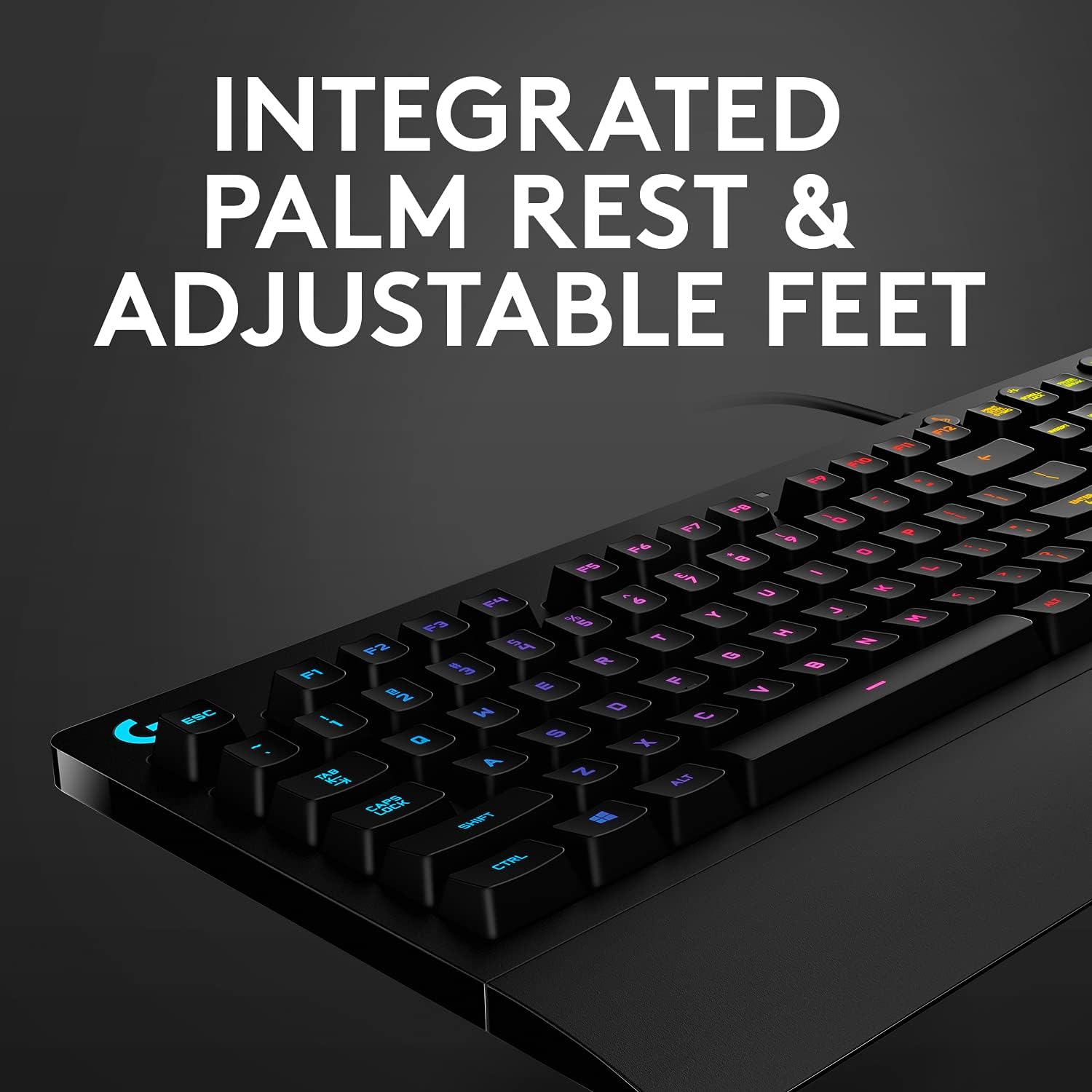
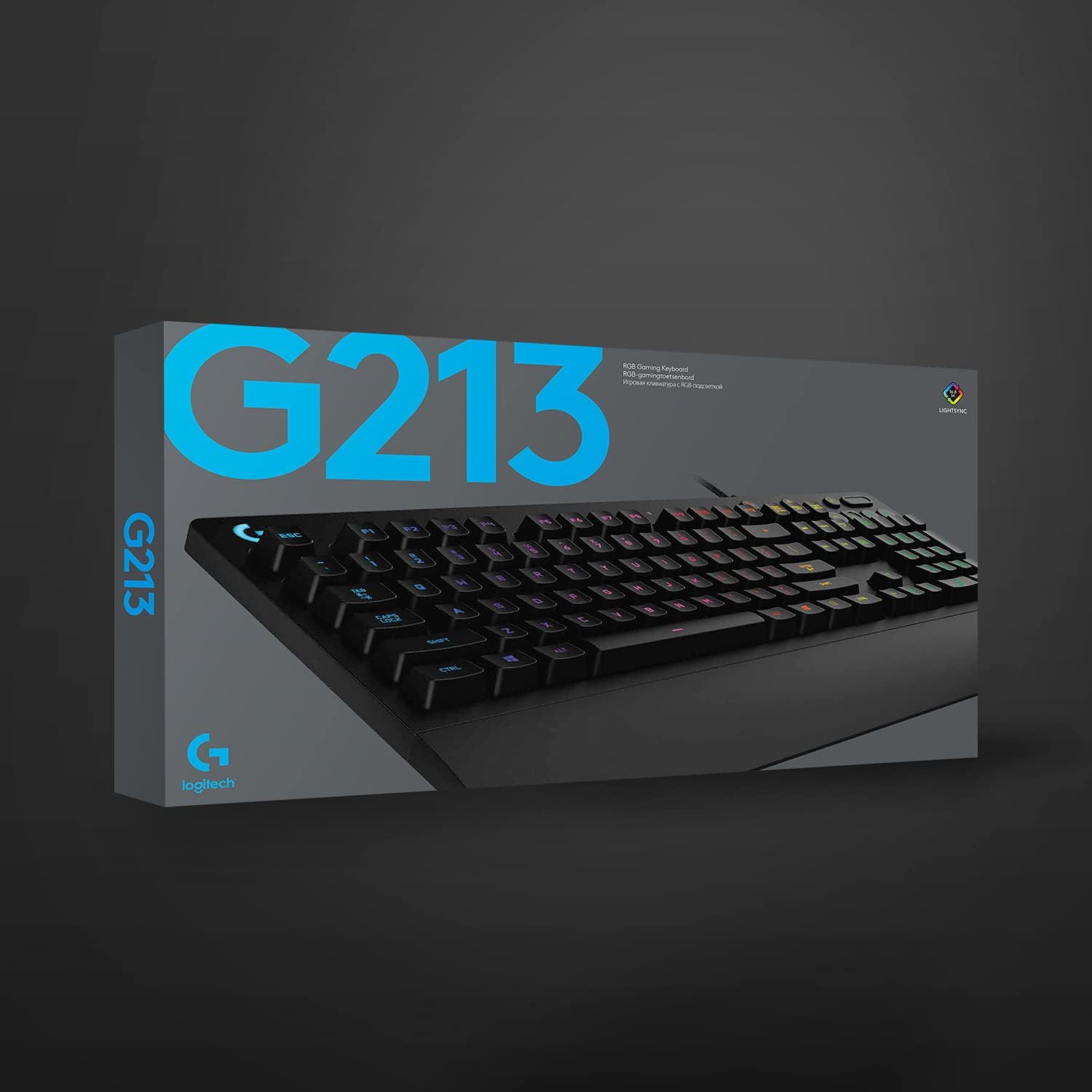
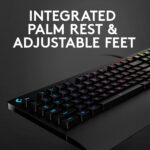
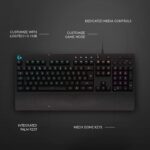
The Logitech G213 Prodigy RGB Gaming Keyboard exceeded my expectations. The Mech-Dome keys are tactile and responsive, perfect for both gaming and typing, while the integrated palm rest keeps long sessions comfortable.RGB lighting is vibrant and fully customizable, and the media controls make switching tracks or adjusting volume effortless. The build feels sturdy, and the adjustable feet let me find the perfect angle.Reliable, well-designed, and fun to use — exactly the kind of gaming gear I love testing and recommending.
Paul –
Way better than expected.
Had it a few days and so far amazing. Maybe I have a bias because I came from a worn keyboard but compared to my last one it is a upgrade in every single way. Typing and gaming is good. It even has a game mode button that does a lot but my favorite is that windows key doesn’t pop up windows so you can possibly use it as a extra keybind or atleast not open windows mid game on accident. Lightwight for its size and seems durable. LED’s are easy to control and synce. All the audio buttons are comfortable, nice quality and additions on the top right actually come in super useful. The bottom comes out to support your hand more and makes it way more comfortable Loving it so far. UPDATE: After having this keyboard for a few months the only possible complaint I could make if I was being super picky are.1 LED are not the brightest.(More than bright enough for me) 2 The keyboard is bigger and takes up more space, ( I personally love it because of comfort.) 3 It’s definitely not silent when typing but from my experience on the quieter side than most keyboards.
5 people found this helpful